
Your computer isn't just about games and social media -...
 Computer Science5 wyświetleń·Zaktualizowano Jun 10, 2026·6 strony
Understanding Utility Software: Essential Tools for Your Computer

1 / 6
1
of 6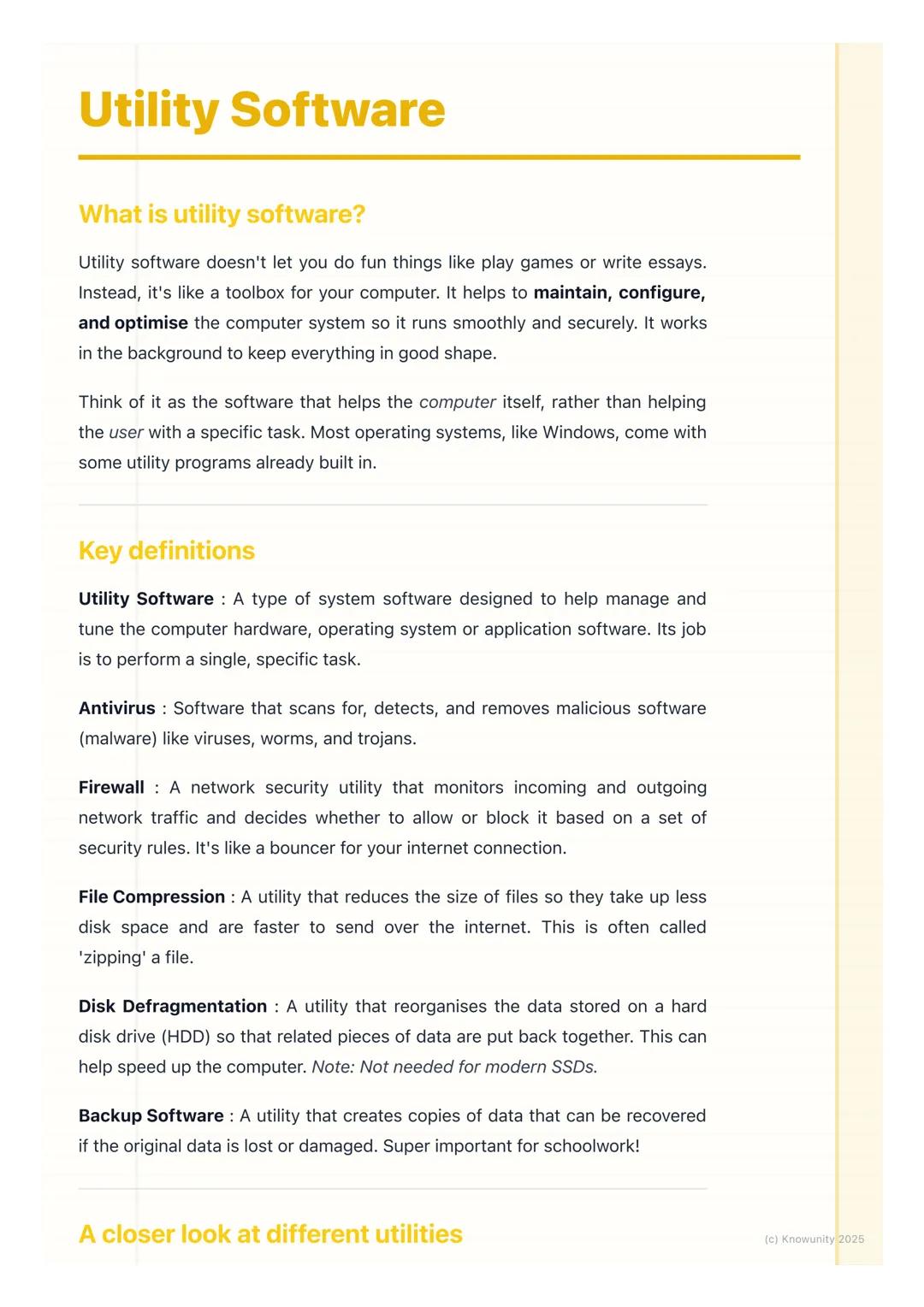
What is Utility Software?
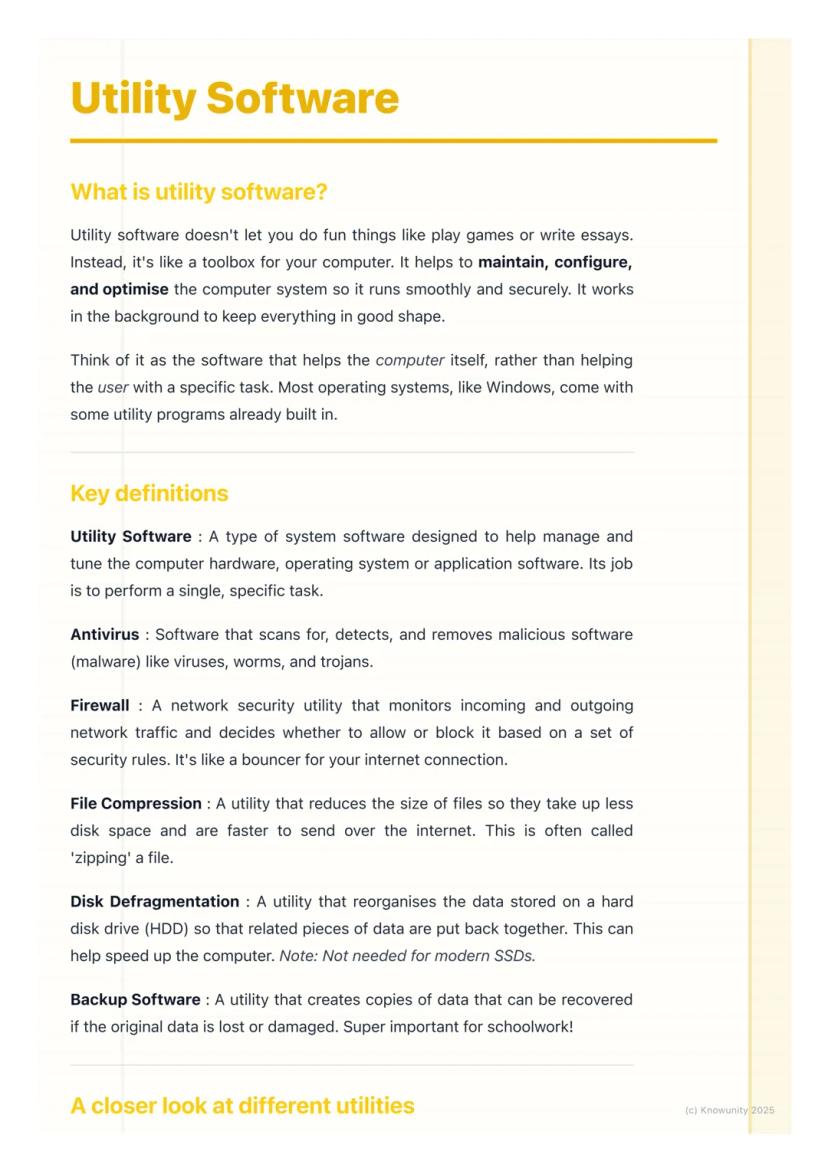
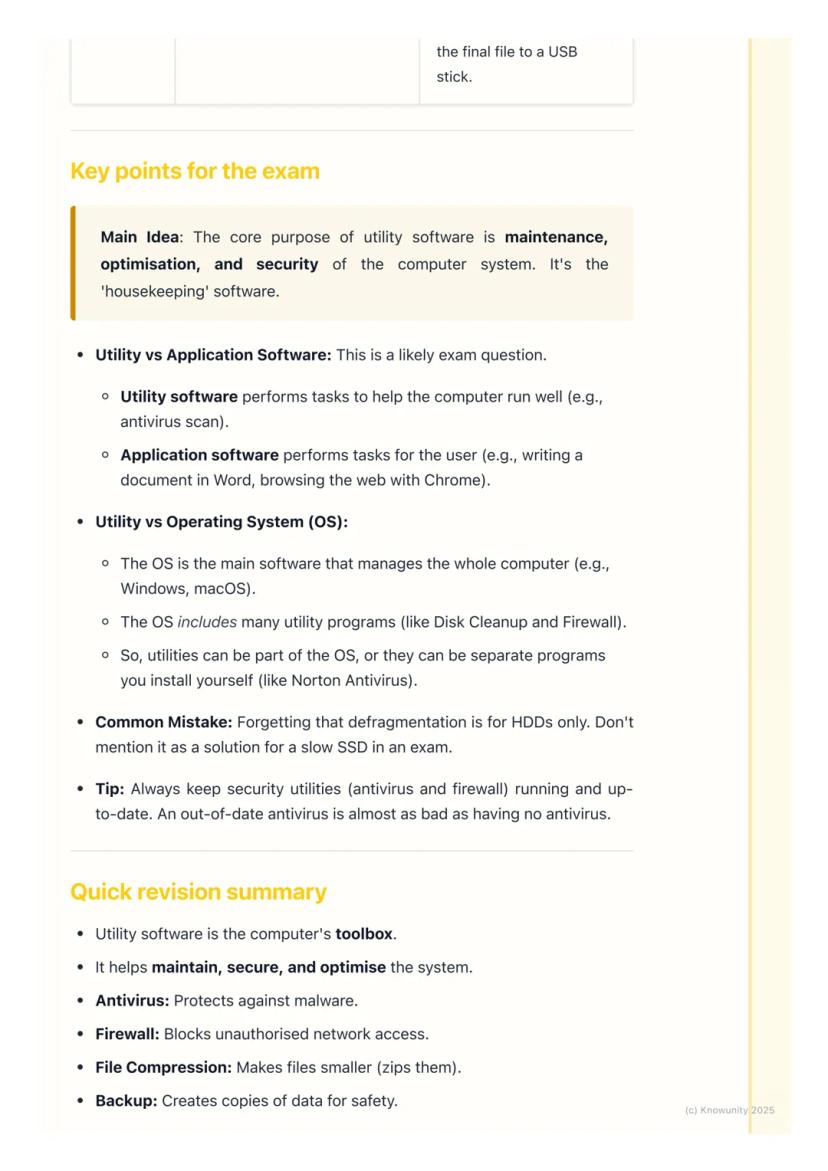
Think of utility software as your computer's toolbox rather than something that helps you create content. Whilst you use applications like Word or Chrome to get things done, utility software focuses on maintaining and protecting your computer system itself.
Most operating systems like Windows come with utility programs already built in. These tools handle specific tasks like scanning for viruses, cleaning up old files, or backing up your important schoolwork.
The key thing to remember is that utility software helps the computer, not necessarily the user directly. It's working behind the scenes to keep everything secure and running efficiently.
Remember: Utility software = computer maintenance. Application software = getting your work done.
2
of 6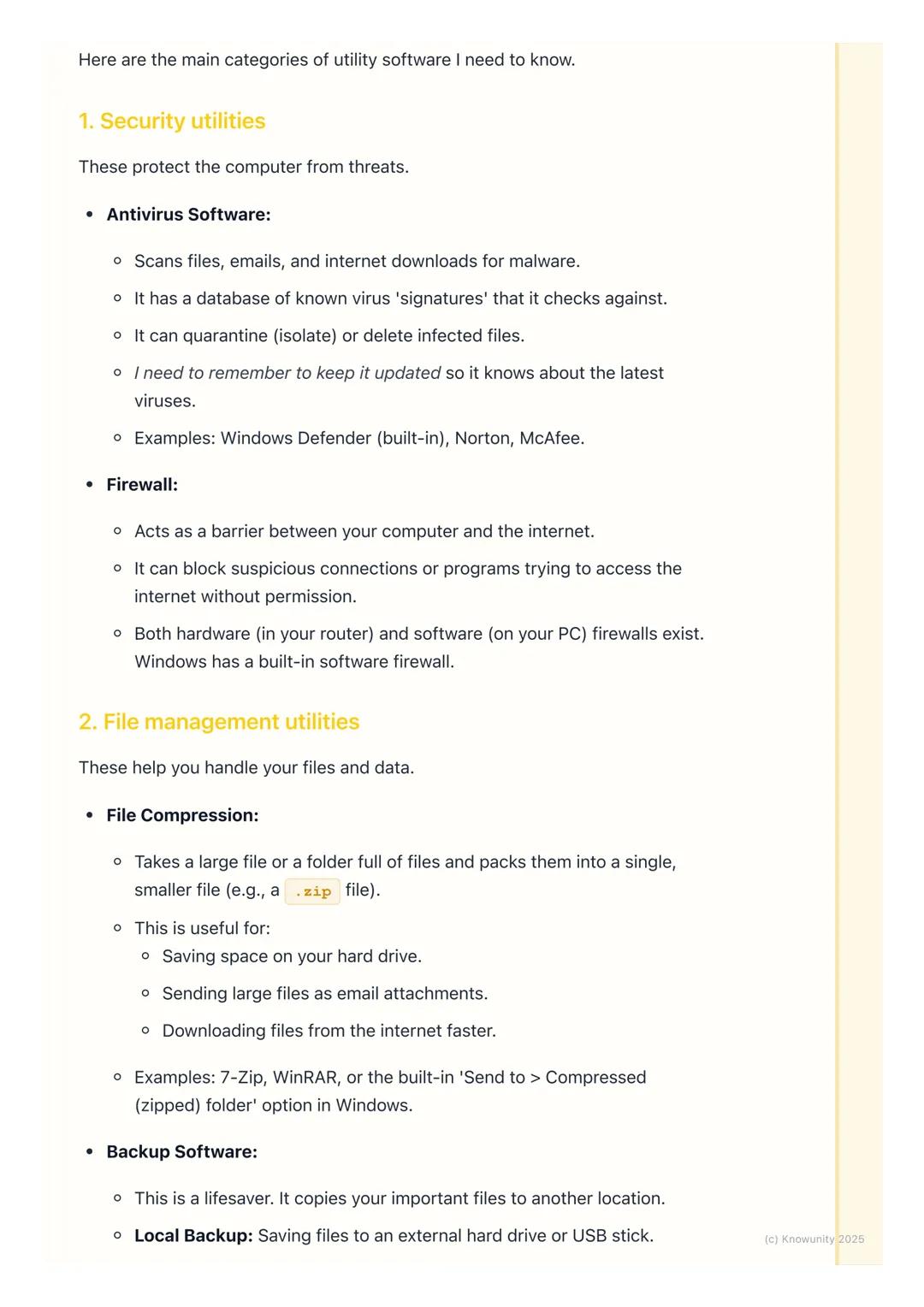
Security Utilities - Your Digital Bodyguards
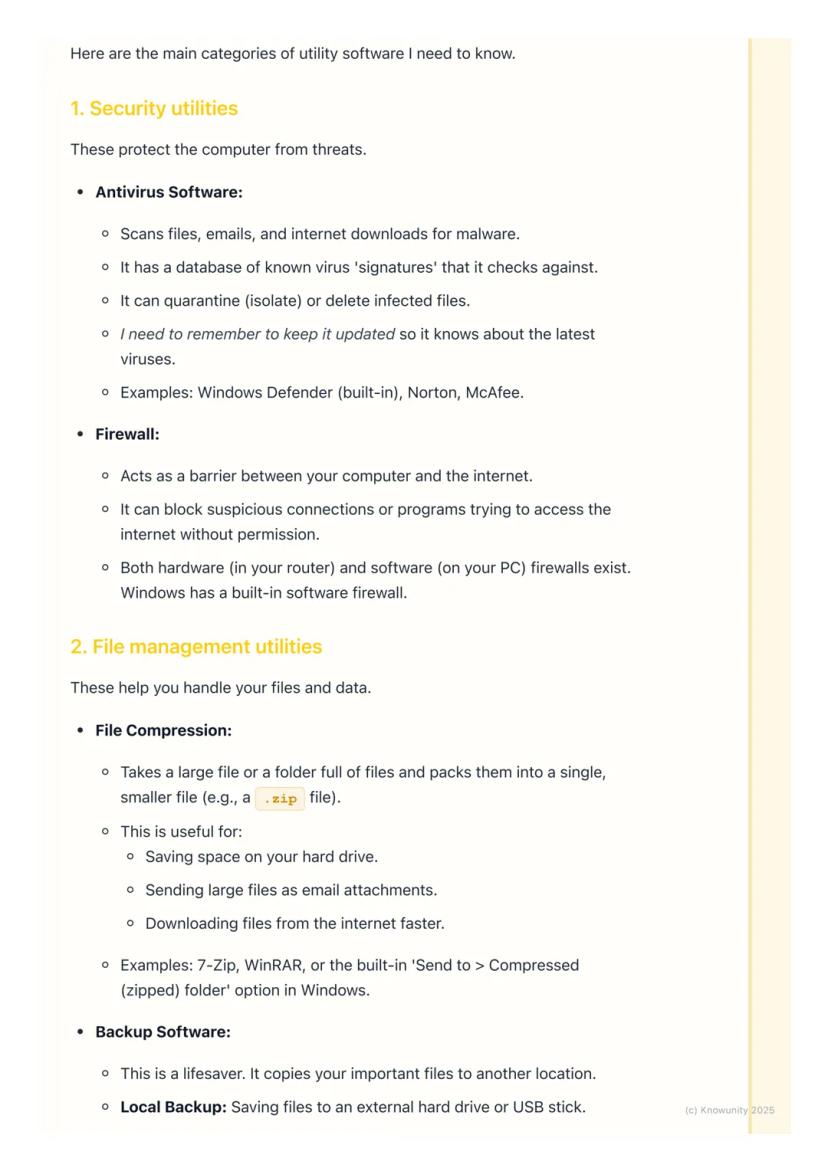
Antivirus software is probably the most important utility you'll use. It constantly scans your files, emails, and downloads for malicious software like viruses and trojans. Think of it as having a security guard checking everyone's ID before they enter your computer.
The software works by comparing files against a database of known virus 'signatures'. When it finds something dodgy, it can quarantine (isolate) or delete the infected files. Examples include Windows Defender, Norton, and McAfee.
Firewalls act like bouncers for your internet connection. They monitor all the data coming in and going out of your computer, blocking suspicious connections or programs trying to access the internet without permission.
Top Tip: Keep your antivirus updated regularly - an out-of-date antivirus is almost as useless as having none at all!
3
of 6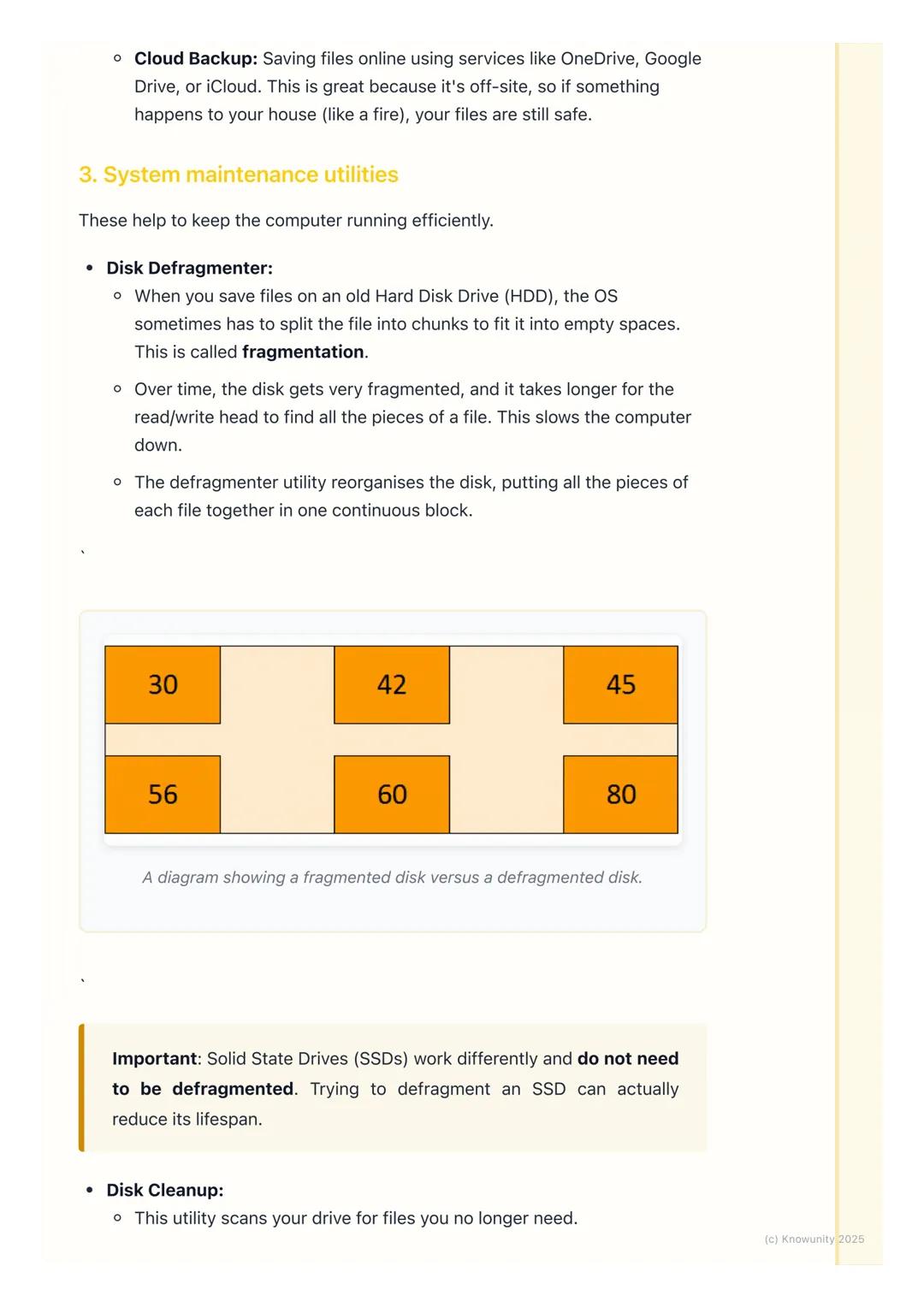
File Management Utilities - Getting Organised
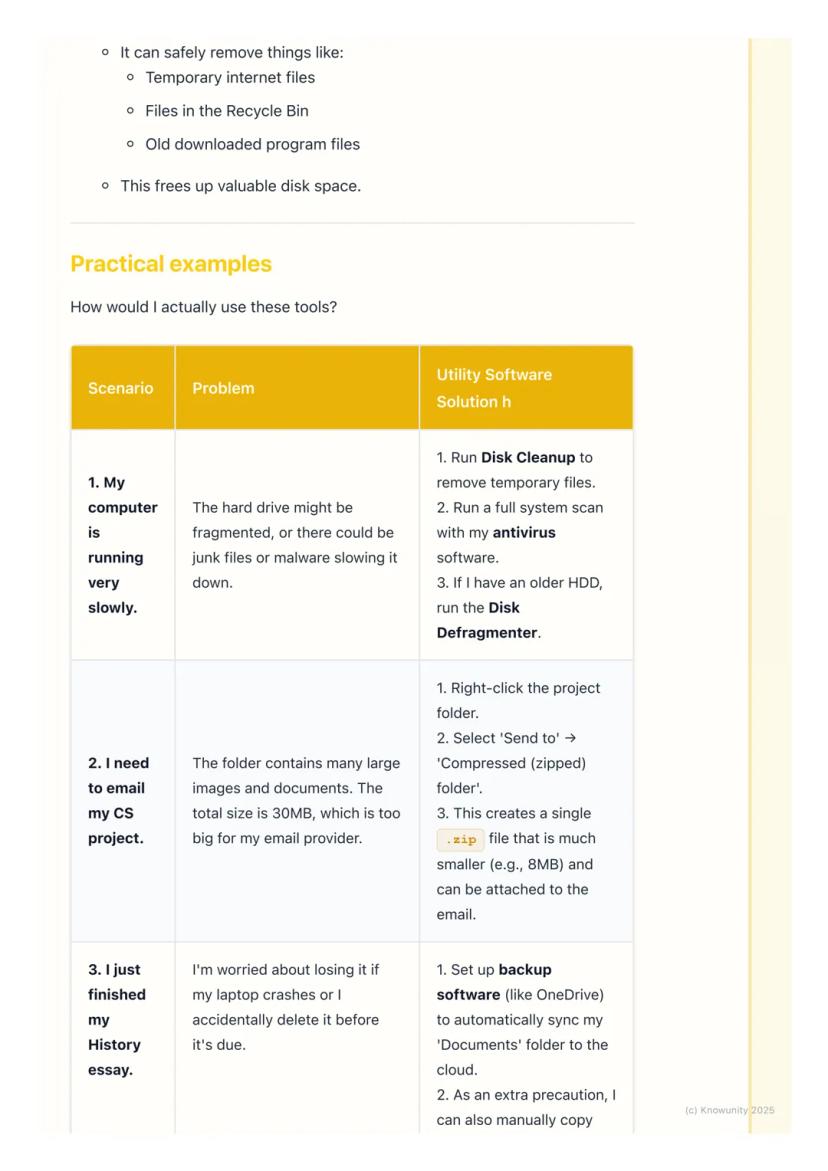
File compression is incredibly handy for school projects. When you need to email a large folder of work, compression utilities can 'zip' everything into a single, much smaller file. A 30MB project folder might compress down to just 8MB.
This works by removing redundant data and packing files more efficiently. You can use built-in tools like Windows' 'Send to compressed folder' option, or download programs like 7-Zip.
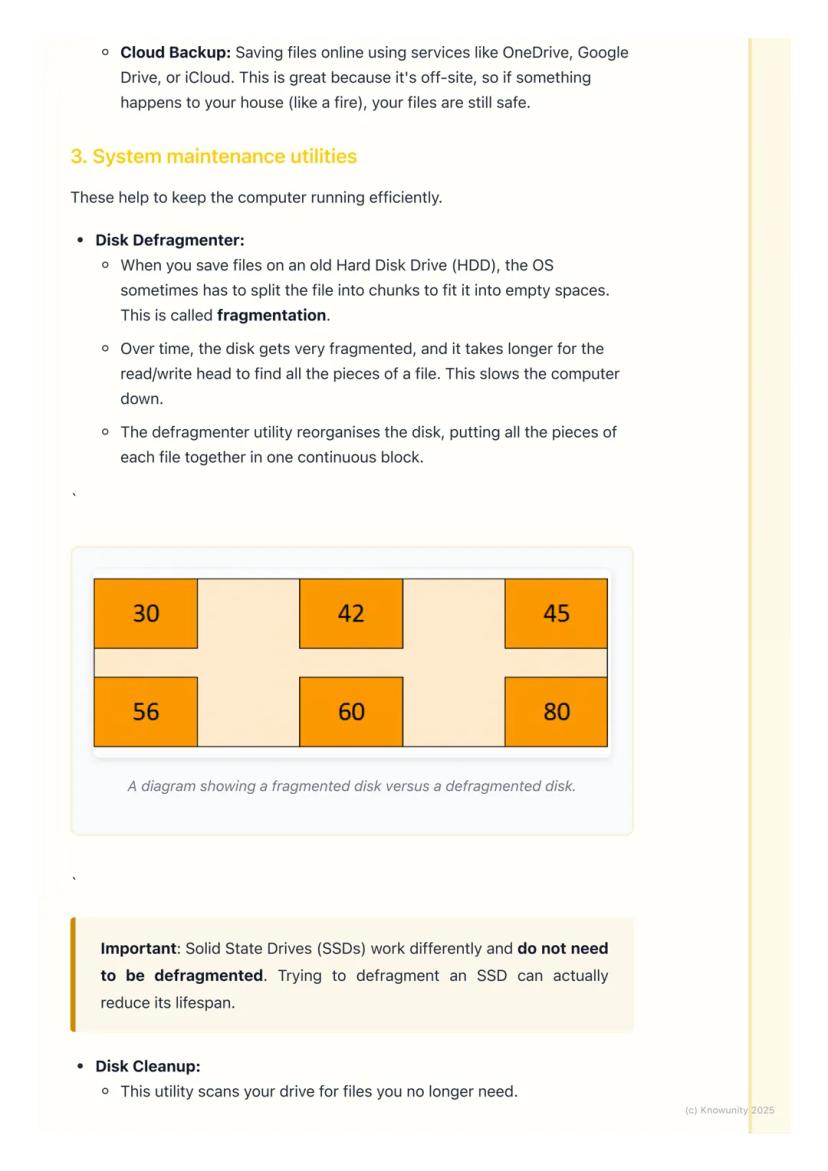
Backup software could literally save your academic life. It creates copies of your important files in case something goes wrong with your computer. You can backup locally (to a USB stick) or to the cloud (OneDrive, Google Drive).
Pro Tip: Set up automatic cloud backup for your Documents folder - then you'll never lose that essay you spent hours writing!
4
of 6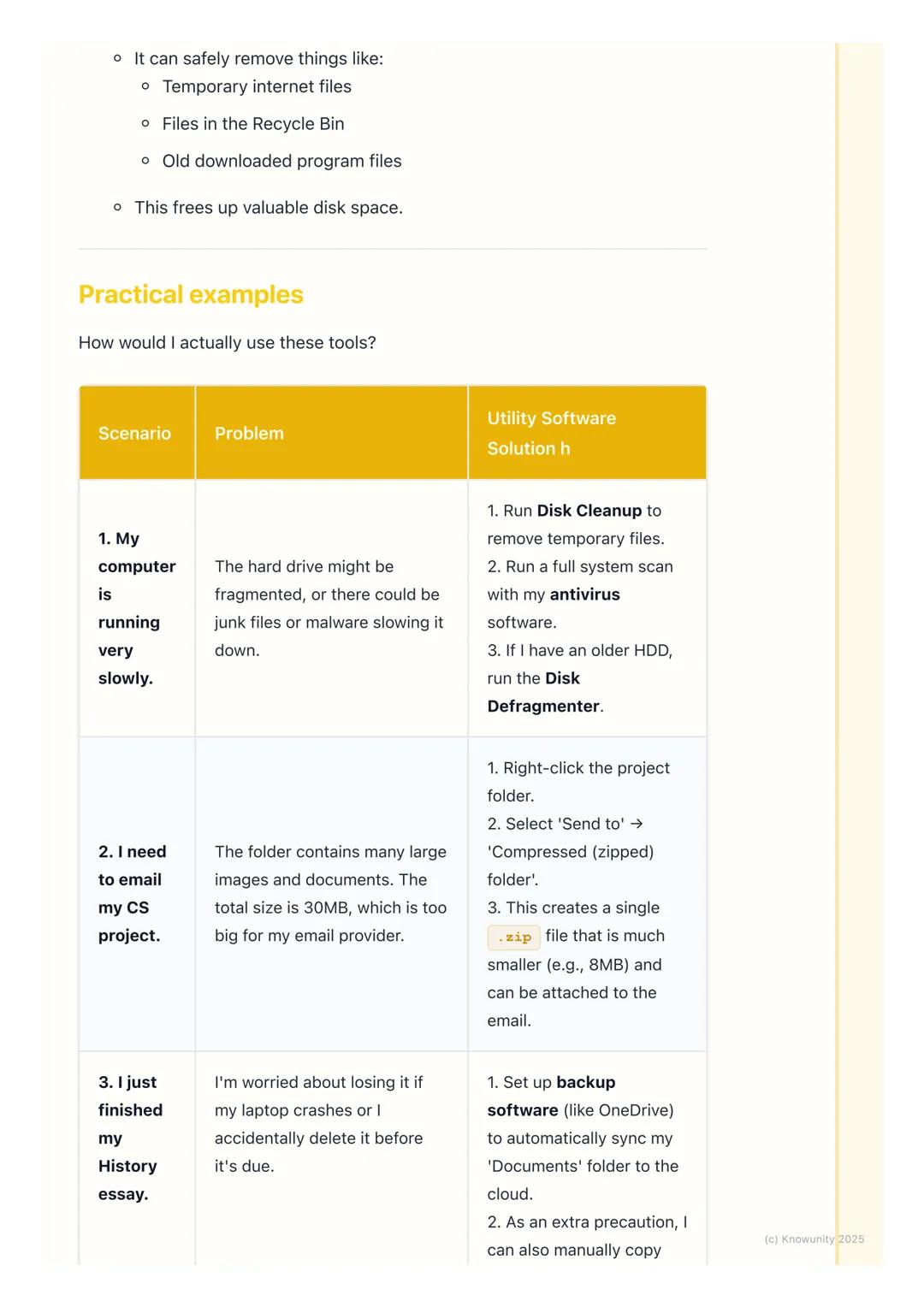
System Maintenance Utilities - Keeping Things Speedy
Disk cleanup is like having a digital spring clean. It scans your computer for files you no longer need - temporary internet files, items in your recycle bin, and old downloads. Removing these frees up valuable storage space.
Disk defragmentation is only needed for older hard disk drives (HDDs). Over time, files get split into fragments scattered across the disk, which slows down your computer. The defragmenter reorganises everything so related data is stored together.
However, don't defragment modern Solid State Drives (SSDs) - they work completely differently and defragmentation can actually damage them.
Important: Always check if you have an HDD or SSD before running defragmentation - this could come up in your exams!
5
of 6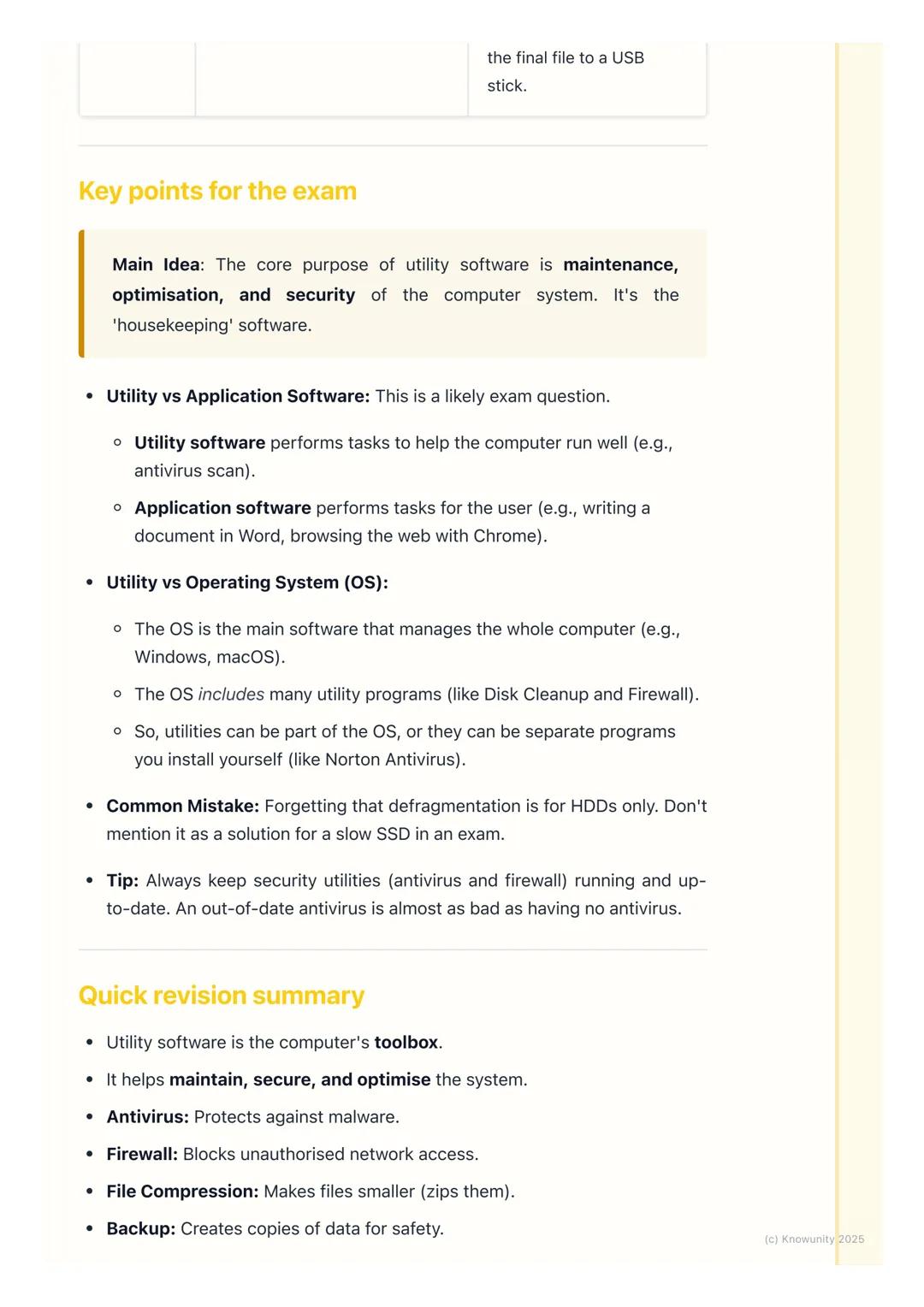
Exam Key Points - What You Need to Know
The main purpose of utility software is maintenance, optimisation, and security. Think of it as the computer's housekeeping department, not the creative workspace.
For exam questions, remember the key difference: utility software helps the computer run well (antivirus scans), whilst application software helps you complete tasks (writing in Word, browsing with Chrome).
Utilities can be part of the operating system or separate programs you install yourself (like Norton antivirus). The OS manages the whole computer, but includes many utility programs within it.
Common Mistake: Don't suggest defragmentation for slow SSDs in exam answers - it only works for traditional hard drives!
6
of 6
Quick Revision Summary
Here's everything you need to remember: Antivirus protects against malware, firewalls block unauthorised network access, and file compression makes files smaller for easier sharing.
Backup software creates safety copies of your data, disk cleanup removes junk files to free up space, and disk defragmentation speeds up old HDDs by reorganising files.
The golden rule? Utility software is your computer's maintenance crew, working behind the scenes to keep everything secure and efficient.
Myśleliśmy, że nigdy nie zapytasz...
Czym jest Towarzysz AI z Knowunity?
Nasz asystent AI jest specjalnie dostosowany do potrzeb uczniów. W oparciu o miliony treści, które mamy na platformie, możemy udzielać uczniom naprawdę znaczących i trafnych odpowiedzi. Ale nie chodzi tylko o odpowiedzi, towarzysz prowadzi również uczniów przez codzienne wyzwania związane z nauką, ze spersonalizowanymi planami nauki, quizami lub treściami na czacie i 100% personalizacją opartą na umiejętnościach i rozwoju uczniów.
Gdzie mogę pobrać aplikację Knowunity?
Aplikację możesz pobrać z Google Play i Apple Store.
Czy aplikacja Knowunity naprawdę jest darmowa?
Tak, masz całkowicie darmowy dostęp do wszystkich notatek w aplikacji, możesz w każdej chwili rozmawiać z Ekspertami lub ich obserwować. Możesz użyć punktów, aby odblokować pewne funkcje w aplikacji, które również możesz otrzymać za darmo. Dodatkowo oferujemy usługę Knowunity Premium, która pozwala na odblokowanie większej liczby funkcji.
Najpopularniejsze notatki
9 Irish
IrishIrish oral questions and answers
Questions and answers for the leaving cert oral
5th Year4264
 English
Key Quotes : Sive
Key Quotes and explanations: Sive
6th Year2842
IrishIrish oral questions
Outline of oral questions
5th Year2055
IrishIníon- le hÁine Durkin
Aine Durkin’s poem, Iníon: Themes & summary
5th Year890
IrishIrish poetry 2027
Iníon + Dínit an Bhróin
5th Year1153
IrishLC HL notes- Iníon (poem)
Includes poem in English and Irish, theme, key words & phrases
5th Year2304
EnglishCultural Context : Shawshank Redemption : Sive : Small Things Like These
Comparative Study : Cultural Context : Shawshank Redemption, Sive and Small Things Like These
6th Year1430
IrishMo Ghrá-sa (Idir Lúibíní)
Notes on mo ghrá-sa
5th Year380
IrishAn Gaeilge Aiste
Irish Language essay
6th Year1320
Nie ma nic odpowiedniego? Sprawdź inne przedmioty.
Zobacz, co mówią o nas nasi użytkownicy. Pokochali nas — pokochasz też i Ty.
4.6/5App Store
4.7/5Google Play
Aplikacja jest bardzo prosta i dobrze przemyślana. Do tej pory znalazłem wszystko, czego szukałem i mogłem się wiele nauczyć z innych notatek! Na pewno wykorzystam aplikację do pomocy przy robieniu prac domowych! No i oczywiście bardzo pomaga też jako inspiracja do robienia swoich notatek.
Stefan Sużytkownik iOS
Ta aplikacja jest naprawdę świetna. Jest tak wiele notatek i pomocnych informacji [...]. Moim problematycznym przedmiotem jest język niemiecki, a w aplikacji jest w czym wybierać. Dzięki tej aplikacji poprawiłam swój niemiecki. Polecam ją każdemu.
Samantha Klichużytkownik Androida
Wow, jestem w szoku. Właśnie wypróbowałam aplikację, ponieważ widziałam ją kilka razy reklamowaną na TikToku jestem absolutnie w szoku. Ta aplikacja jest POMOCĄ, której potrzebujesz w szkole i przede wszystkim oferuje tak wiele rzeczy jak notatki czy streszczenia, które są BARDZO pomocne w moim przypadku.
Annaużytkownik iOS
Computer Science5 wyświetleń·Zaktualizowano Jun 10, 2026·6 stronyUnderstanding Utility Software: Essential Tools for Your Computer
Your computer isn't just about games and social media - there's a whole world of behind-the-scenes software keeping everything running smoothly. Utility softwareis like your computer's personal maintenance crew, working in the background to keep your system secure, organised,...
1
of 6
Zarejestruj się, aby zobaczyć notatkę. To nic nie kosztuje!
- Dostęp do wszystkich materiałów
- Popraw swoje oceny
- Dołącz do milionów studentów
What is Utility Software?
Think of utility software as your computer's toolbox rather than something that helps you create content. Whilst you use applications like Word or Chrome to get things done, utility software focuses on maintaining and protecting your computer system itself.
Most operating systems like Windows come with utility programs already built in. These tools handle specific tasks like scanning for viruses, cleaning up old files, or backing up your important schoolwork.
The key thing to remember is that utility software helps the computer, not necessarily the user directly. It's working behind the scenes to keep everything secure and running efficiently.
Remember: Utility software = computer maintenance. Application software = getting your work done.
2
of 6Zarejestruj się, aby zobaczyć notatkę. To nic nie kosztuje!
- Dostęp do wszystkich materiałów
- Popraw swoje oceny
- Dołącz do milionów studentów
Security Utilities - Your Digital Bodyguards
Antivirus software is probably the most important utility you'll use. It constantly scans your files, emails, and downloads for malicious software like viruses and trojans. Think of it as having a security guard checking everyone's ID before they enter your computer.
The software works by comparing files against a database of known virus 'signatures'. When it finds something dodgy, it can quarantine (isolate) or delete the infected files. Examples include Windows Defender, Norton, and McAfee.
Firewalls act like bouncers for your internet connection. They monitor all the data coming in and going out of your computer, blocking suspicious connections or programs trying to access the internet without permission.
Top Tip: Keep your antivirus updated regularly - an out-of-date antivirus is almost as useless as having none at all!
3
of 6Zarejestruj się, aby zobaczyć notatkę. To nic nie kosztuje!
- Dostęp do wszystkich materiałów
- Popraw swoje oceny
- Dołącz do milionów studentów
File Management Utilities - Getting Organised
File compression is incredibly handy for school projects. When you need to email a large folder of work, compression utilities can 'zip' everything into a single, much smaller file. A 30MB project folder might compress down to just 8MB.
This works by removing redundant data and packing files more efficiently. You can use built-in tools like Windows' 'Send to compressed folder' option, or download programs like 7-Zip.
Backup software could literally save your academic life. It creates copies of your important files in case something goes wrong with your computer. You can backup locally (to a USB stick) or to the cloud (OneDrive, Google Drive).
Pro Tip: Set up automatic cloud backup for your Documents folder - then you'll never lose that essay you spent hours writing!
4
of 6Zarejestruj się, aby zobaczyć notatkę. To nic nie kosztuje!
- Dostęp do wszystkich materiałów
- Popraw swoje oceny
- Dołącz do milionów studentów
System Maintenance Utilities - Keeping Things Speedy
Disk cleanup is like having a digital spring clean. It scans your computer for files you no longer need - temporary internet files, items in your recycle bin, and old downloads. Removing these frees up valuable storage space.
Disk defragmentation is only needed for older hard disk drives (HDDs). Over time, files get split into fragments scattered across the disk, which slows down your computer. The defragmenter reorganises everything so related data is stored together.
However, don't defragment modern Solid State Drives (SSDs) - they work completely differently and defragmentation can actually damage them.
Important: Always check if you have an HDD or SSD before running defragmentation - this could come up in your exams!
5
of 6Zarejestruj się, aby zobaczyć notatkę. To nic nie kosztuje!
- Dostęp do wszystkich materiałów
- Popraw swoje oceny
- Dołącz do milionów studentów
Exam Key Points - What You Need to Know
The main purpose of utility software is maintenance, optimisation, and security. Think of it as the computer's housekeeping department, not the creative workspace.
For exam questions, remember the key difference: utility software helps the computer run well (antivirus scans), whilst application software helps you complete tasks (writing in Word, browsing with Chrome).
Utilities can be part of the operating system or separate programs you install yourself (like Norton antivirus). The OS manages the whole computer, but includes many utility programs within it.
Common Mistake: Don't suggest defragmentation for slow SSDs in exam answers - it only works for traditional hard drives!
6
of 6Zarejestruj się, aby zobaczyć notatkę. To nic nie kosztuje!
- Dostęp do wszystkich materiałów
- Popraw swoje oceny
- Dołącz do milionów studentów
Quick Revision Summary
Here's everything you need to remember: Antivirus protects against malware, firewalls block unauthorised network access, and file compression makes files smaller for easier sharing.
Backup software creates safety copies of your data, disk cleanup removes junk files to free up space, and disk defragmentation speeds up old HDDs by reorganising files.
The golden rule? Utility software is your computer's maintenance crew, working behind the scenes to keep everything secure and efficient.
Myśleliśmy, że nigdy nie zapytasz...
Czym jest Towarzysz AI z Knowunity?
Nasz asystent AI jest specjalnie dostosowany do potrzeb uczniów. W oparciu o miliony treści, które mamy na platformie, możemy udzielać uczniom naprawdę znaczących i trafnych odpowiedzi. Ale nie chodzi tylko o odpowiedzi, towarzysz prowadzi również uczniów przez codzienne wyzwania związane z nauką, ze spersonalizowanymi planami nauki, quizami lub treściami na czacie i 100% personalizacją opartą na umiejętnościach i rozwoju uczniów.
Gdzie mogę pobrać aplikację Knowunity?
Aplikację możesz pobrać z Google Play i Apple Store.
Czy aplikacja Knowunity naprawdę jest darmowa?
Tak, masz całkowicie darmowy dostęp do wszystkich notatek w aplikacji, możesz w każdej chwili rozmawiać z Ekspertami lub ich obserwować. Możesz użyć punktów, aby odblokować pewne funkcje w aplikacji, które również możesz otrzymać za darmo. Dodatkowo oferujemy usługę Knowunity Premium, która pozwala na odblokowanie większej liczby funkcji.
Najpopularniejsze notatki
9IrishIrish oral questions and answers
Questions and answers for the leaving cert oral
5th Year4264
EnglishKey Quotes : Sive
Key Quotes and explanations: Sive
6th Year2842
IrishIrish oral questions
Outline of oral questions
5th Year2055
IrishIníon- le hÁine Durkin
Aine Durkin’s poem, Iníon: Themes & summary
5th Year890
IrishIrish poetry 2027
Iníon + Dínit an Bhróin
5th Year1153
IrishLC HL notes- Iníon (poem)
Includes poem in English and Irish, theme, key words & phrases
5th Year2304
EnglishCultural Context : Shawshank Redemption : Sive : Small Things Like These
Comparative Study : Cultural Context : Shawshank Redemption, Sive and Small Things Like These
6th Year1430
IrishMo Ghrá-sa (Idir Lúibíní)
Notes on mo ghrá-sa
5th Year380
IrishAn Gaeilge Aiste
Irish Language essay
6th Year1320
Nie ma nic odpowiedniego? Sprawdź inne przedmioty.
Zobacz, co mówią o nas nasi użytkownicy. Pokochali nas — pokochasz też i Ty.
4.6/5App Store
4.7/5Google Play
Aplikacja jest bardzo prosta i dobrze przemyślana. Do tej pory znalazłem wszystko, czego szukałem i mogłem się wiele nauczyć z innych notatek! Na pewno wykorzystam aplikację do pomocy przy robieniu prac domowych! No i oczywiście bardzo pomaga też jako inspiracja do robienia swoich notatek.
Stefan Sużytkownik iOS
Ta aplikacja jest naprawdę świetna. Jest tak wiele notatek i pomocnych informacji [...]. Moim problematycznym przedmiotem jest język niemiecki, a w aplikacji jest w czym wybierać. Dzięki tej aplikacji poprawiłam swój niemiecki. Polecam ją każdemu.
Samantha Klichużytkownik Androida
Wow, jestem w szoku. Właśnie wypróbowałam aplikację, ponieważ widziałam ją kilka razy reklamowaną na TikToku jestem absolutnie w szoku. Ta aplikacja jest POMOCĄ, której potrzebujesz w szkole i przede wszystkim oferuje tak wiele rzeczy jak notatki czy streszczenia, które są BARDZO pomocne w moim przypadku.
Annaużytkownik iOS